Same-Day Repairs, 1,000 Devices, One Spreadsheet
Running IT asset management and staff tech training on a three-person team
Role: IT Intern, later Technology Assistant on a three-person IT team | Timeline: IT internship 2017–2018, Technology Assistant 2020–2021 (same school and team) | Tools: Google Admin console, Active Directory, Excel, Windows 10, Chromebooks, Dell laptops, Google Classroom, Google Meet | Scope: ~1,000 devices, 50+ staff
Overview
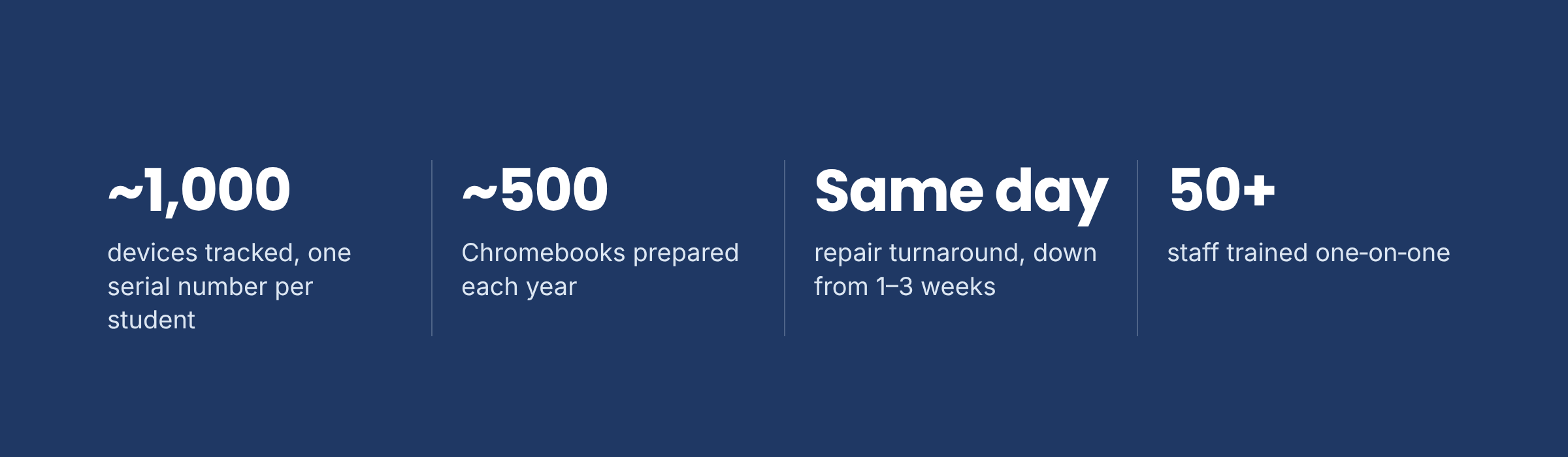
As a Technology Assistant at a regional public high school in New Jersey, I was one of three people supporting every device in the building. I tracked about 1,000 devices, prepared around 500 Chromebooks a year, handled 3–5 support requests a day and trained more than 50 staff one-on-one. I also introduced an in-house repair procedure that cut repair time from weeks to the same day.
The challenge
In the 2020–21 school year, every student needed a working device for remote and hybrid classes. Our team was three people, and we were responsible for about 1,000 devices. When a Chromebook stopped powering on, the standard fix was to send it to Dell under warranty, and students could wait one to three weeks to get it back. Teachers were also adapting to Google Classroom and Meet almost overnight, and many needed hands-on help.
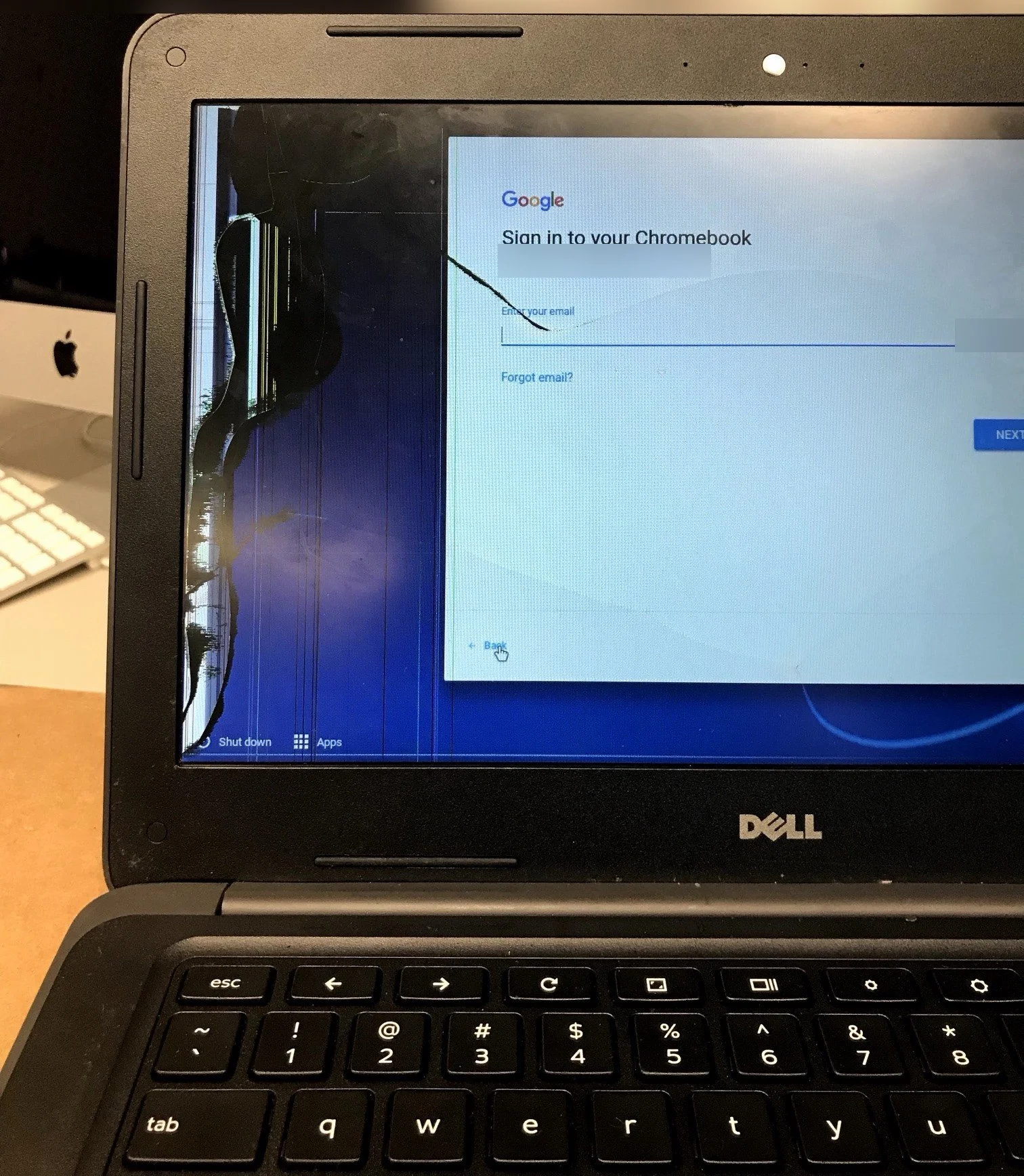
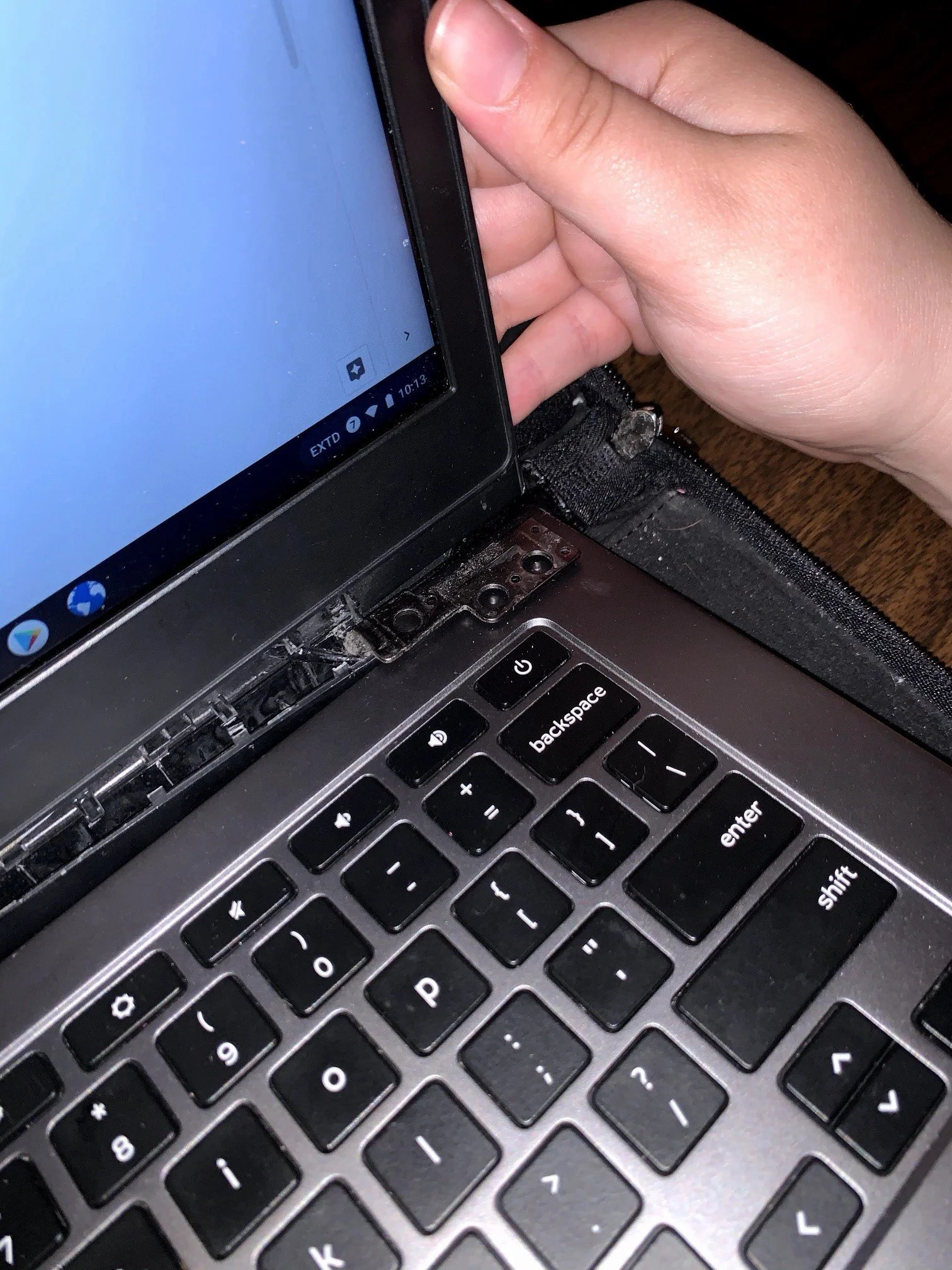
Cracked screens and damaged hinges were common too. Broken hinges didn't stop a Chromebook from working, but they exposed internal parts, so the school gave every student a protective case.
Building a device-tracking system
I kept an Excel inventory of about 1,000 devices, with every serial number assigned to exactly one student. Each device name showed its type, purchase year and number. For example, STD-CBK-16008 meant a student Chromebook bought in 2016, device 008, so anyone could match a physical Chromebook to its record in seconds. Every Chromebook also had its own labeled charger, so students returned both at collection time. When a device came in for repair or went missing, the sheet showed who had it, what model it was and its history. One serial number, one person: that rule made the rest of the work possible.
Preparing ~500 Chromebooks a year
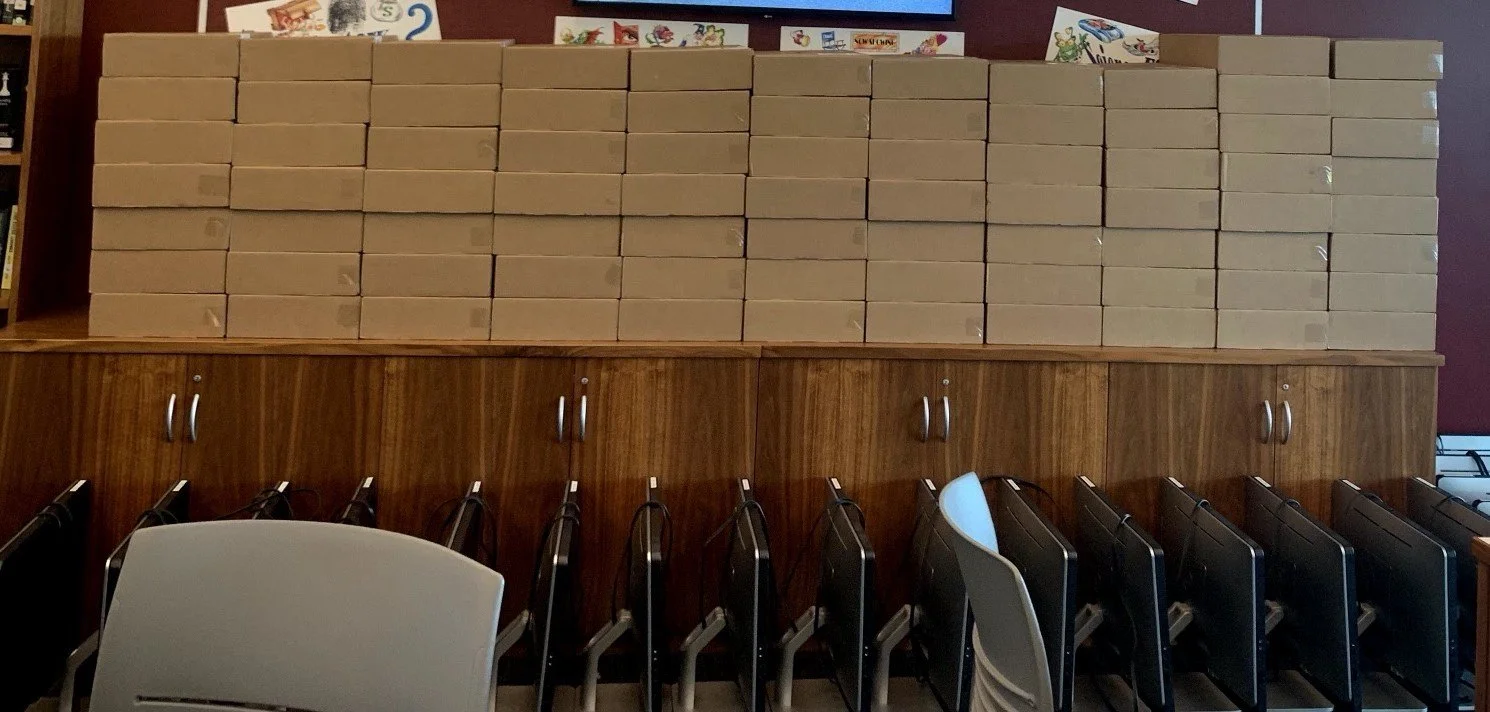
Each year I prepared around 500 Chromebooks before they reached students. Every device went through the same five steps, so nothing was handed out half-ready

Cutting repair time from weeks to the same day
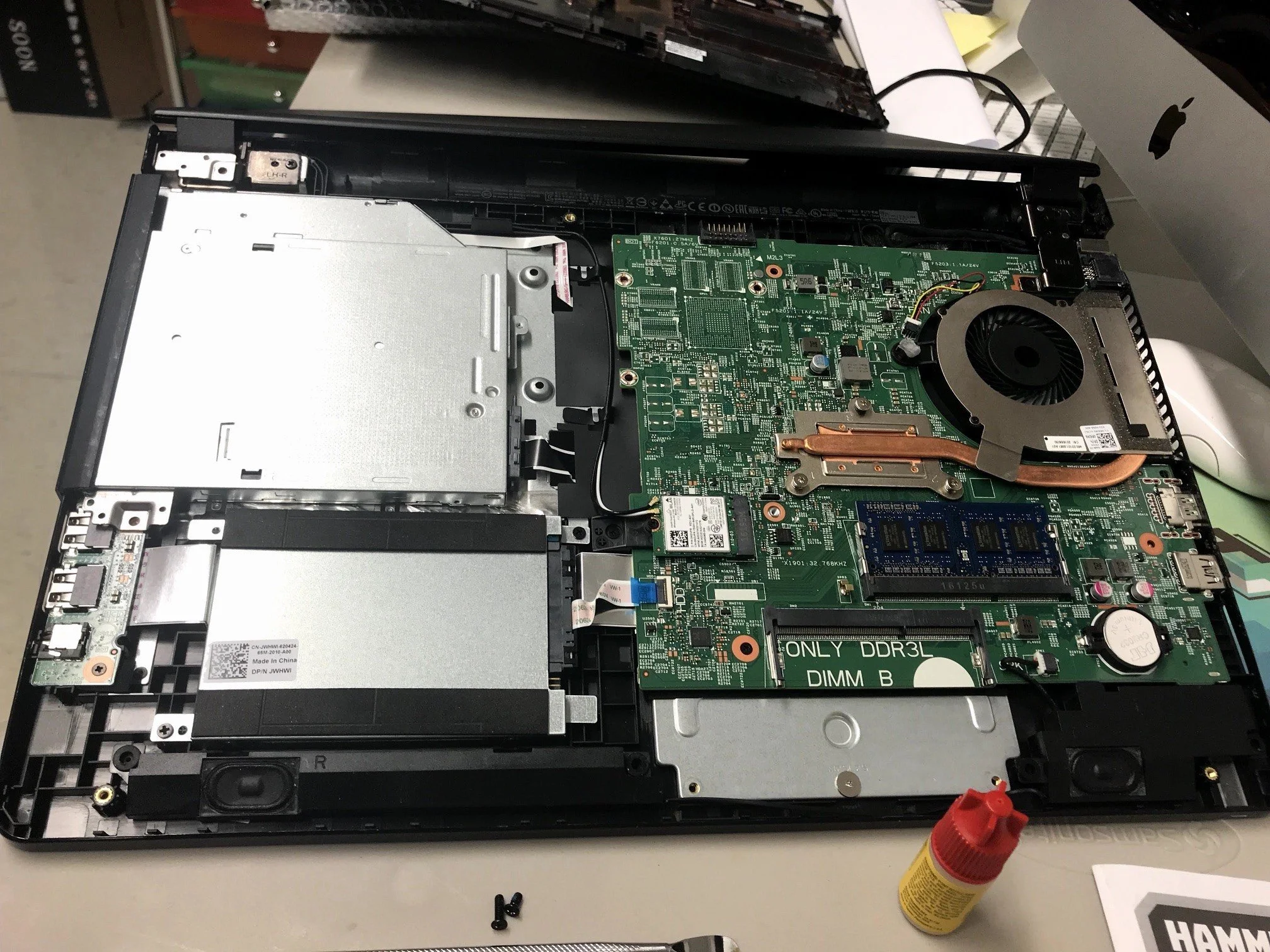
Most "dead" Chromebooks were not actually broken beyond repair. I introduced a short in-house procedure: test the charger, reseat the battery cable, and swap in a spare battery if needed. Afterward I confirmed the battery charged and the device ran unplugged, then logged the replacement. Repairs that used to take one to three weeks through Dell were now finished the same day, and students stayed in class.
I did these power repairs two to three times a week, about 30 minutes each. Less often, I also replaced cracked LCD screens in-house, which took about an hour and was still done the same day.
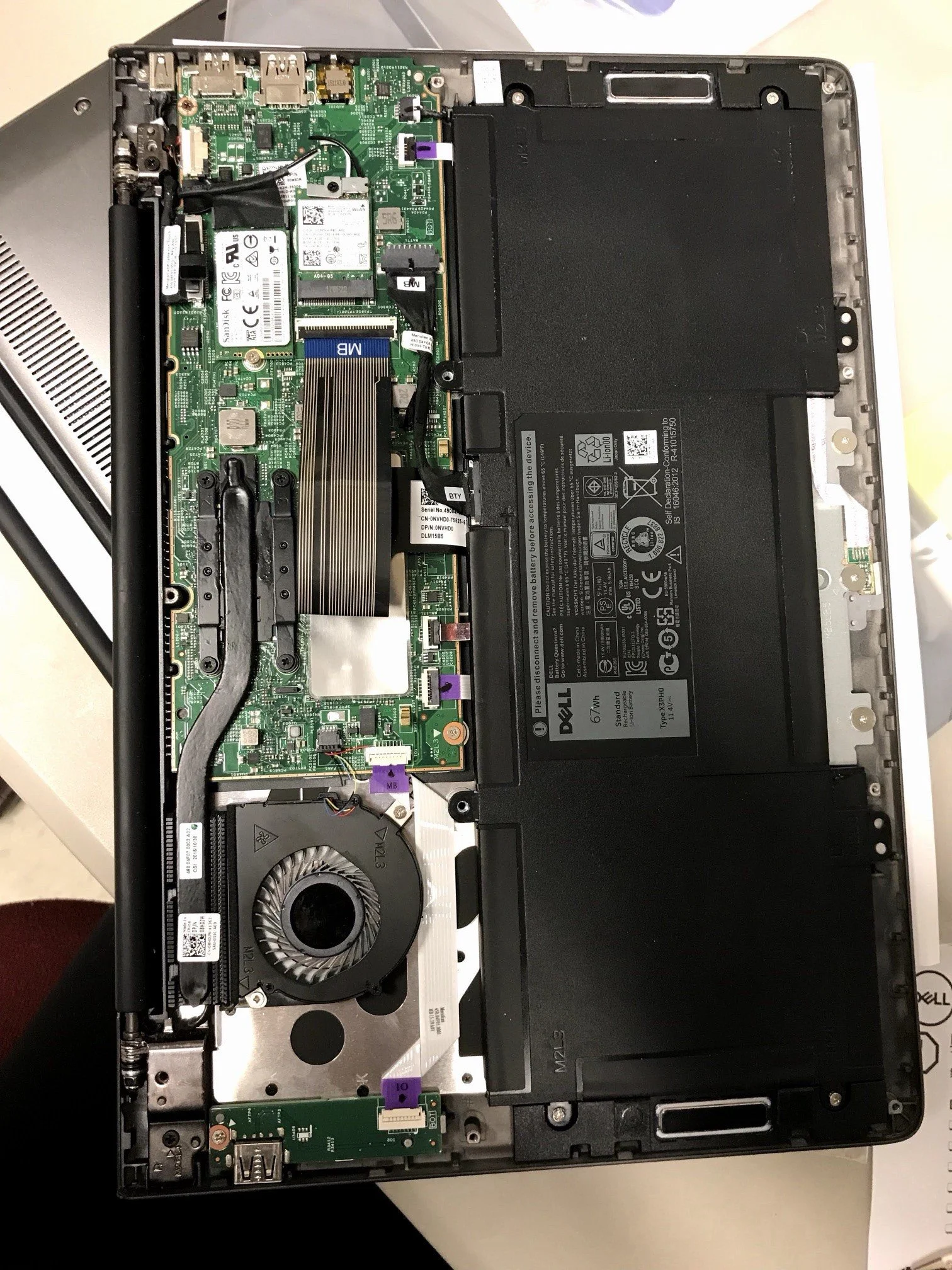
Battery and cable inside a Dell laptop
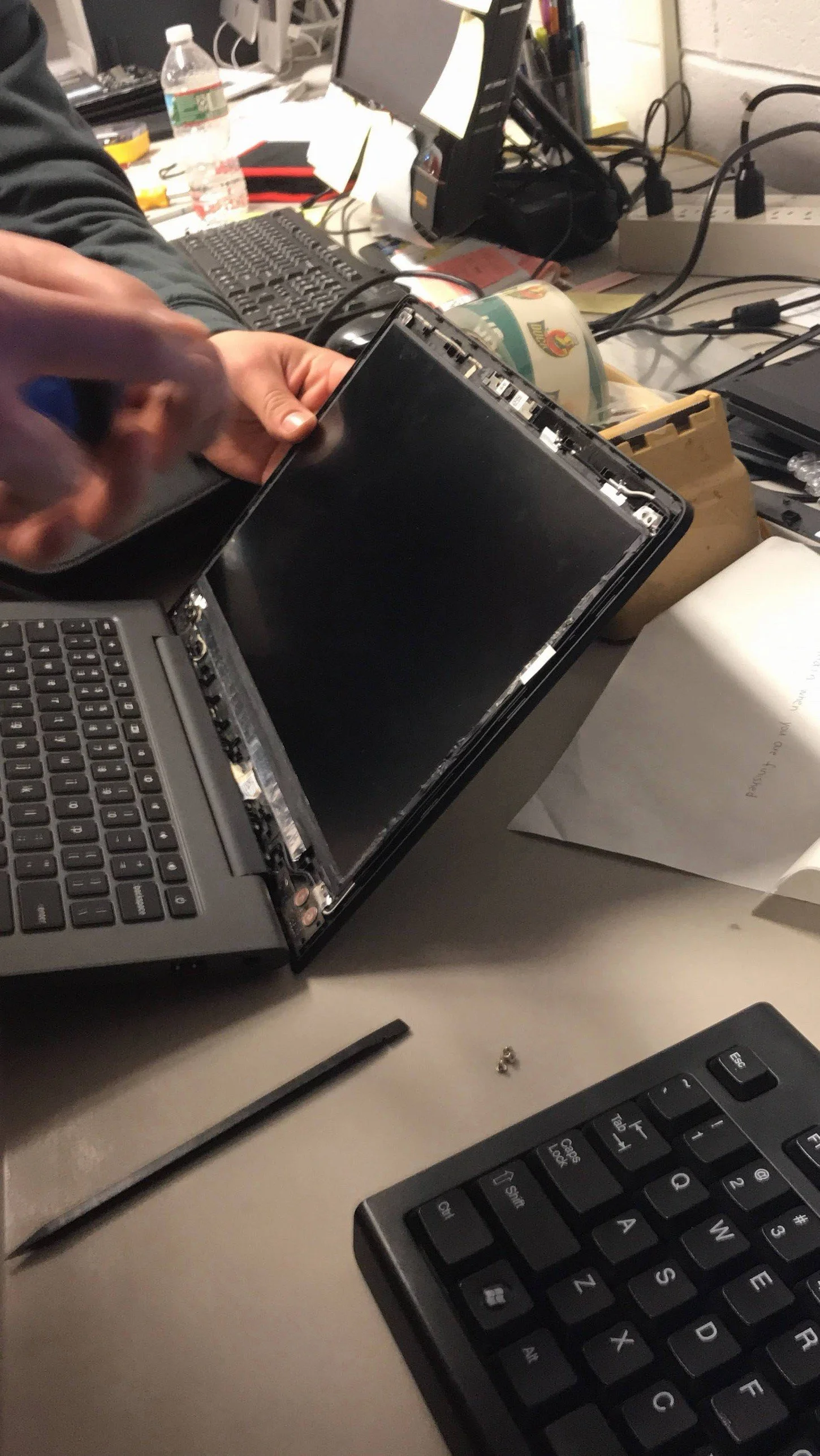
Replacing an LCD panel

Training 50+ staff one-on-one
I trained more than 50 teachers and staff one-on-one on Chromebooks, Google Classroom and Google Meet. The same questions came up again and again: how to share a screen, turn on the microphone, connect the camera and find files in Google Drive. I learned to start with what each person needed for their next class, show it once, then have them do it themselves while I watched.
Beyond Chromebooks
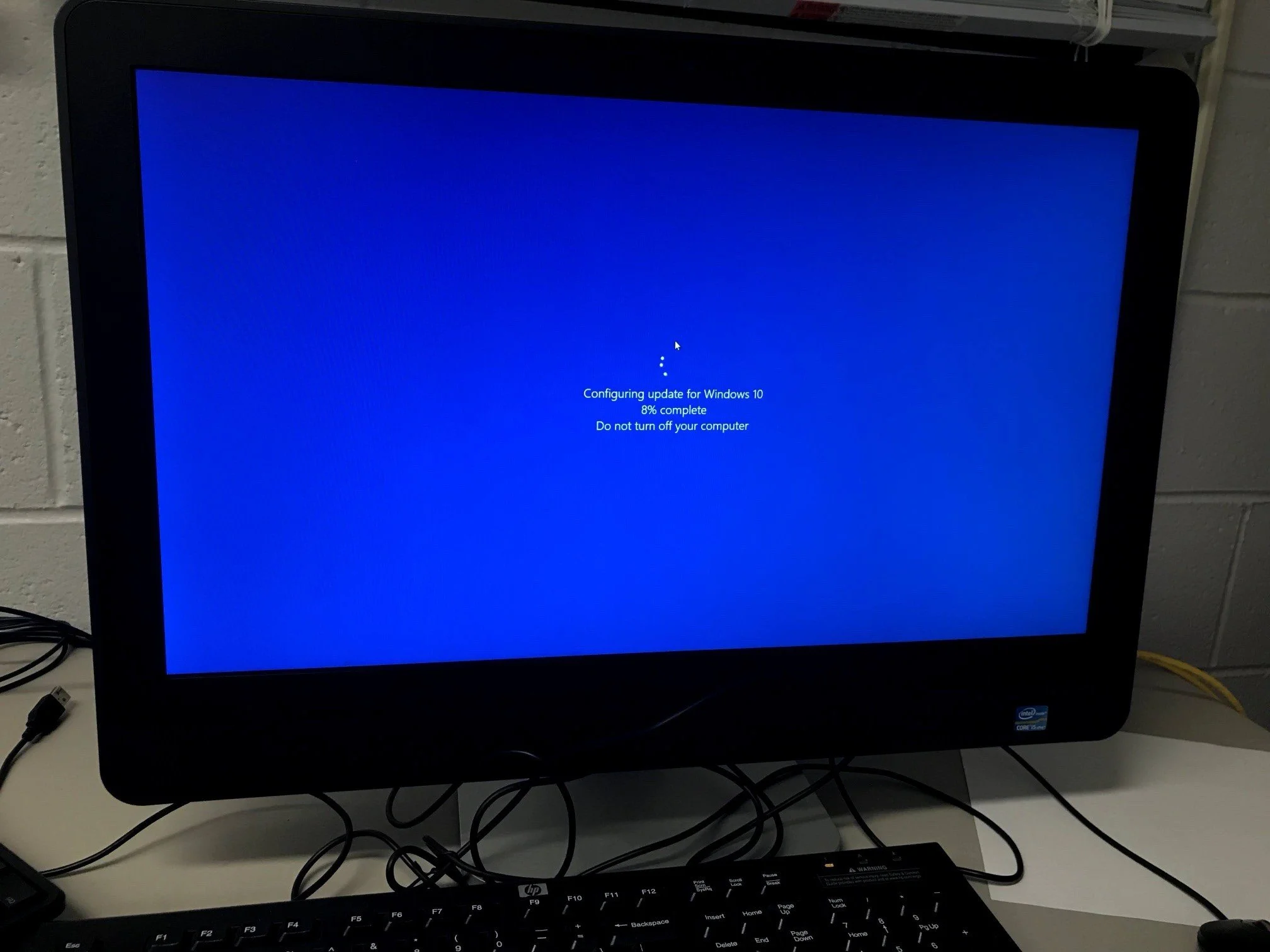
The job also covered the rest of the school's technology. I set up teacher Windows laptops using a 10-step checklist: Office activation, browser start pages, four network printers with authentication, a network home folder and default apps. I created accounts, reset passwords and unlocked accounts in Active Directory. I ran system image backups before major repairs, installed Windows 10 updates on staff PCs, and supported printers and Macs.
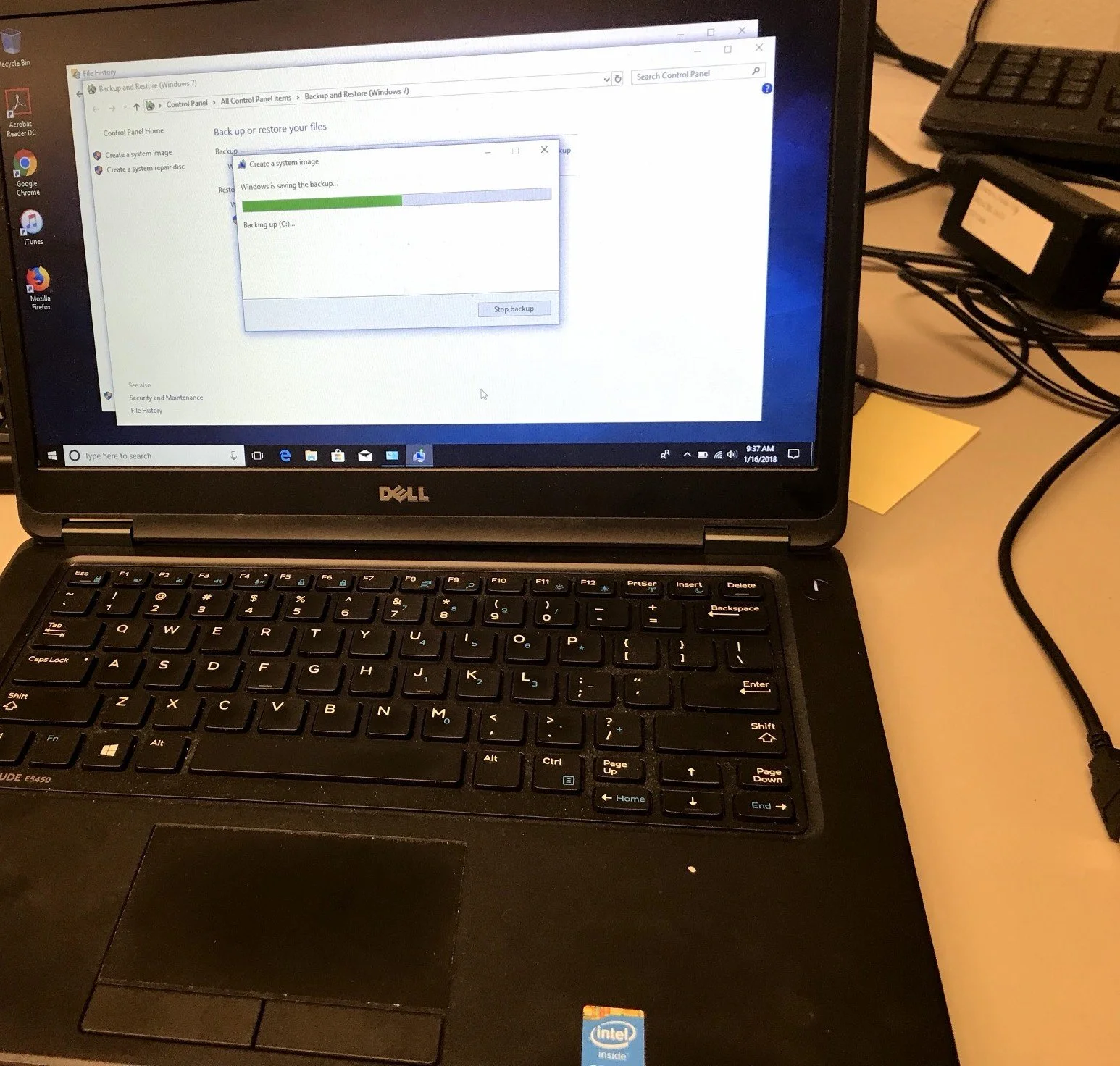
System image backup
Windows 10 update
Inside a Dell laptop
Applying it in a corporate setting
Sample files for a fictional company.
To show how this work carries over to an office, I rebuilt it for a fictional 150-person company, Northbridge Advisory Group, with Windows laptops, MacBooks, shared Chromebooks and Google Workspace. All names and data in these files are made up.
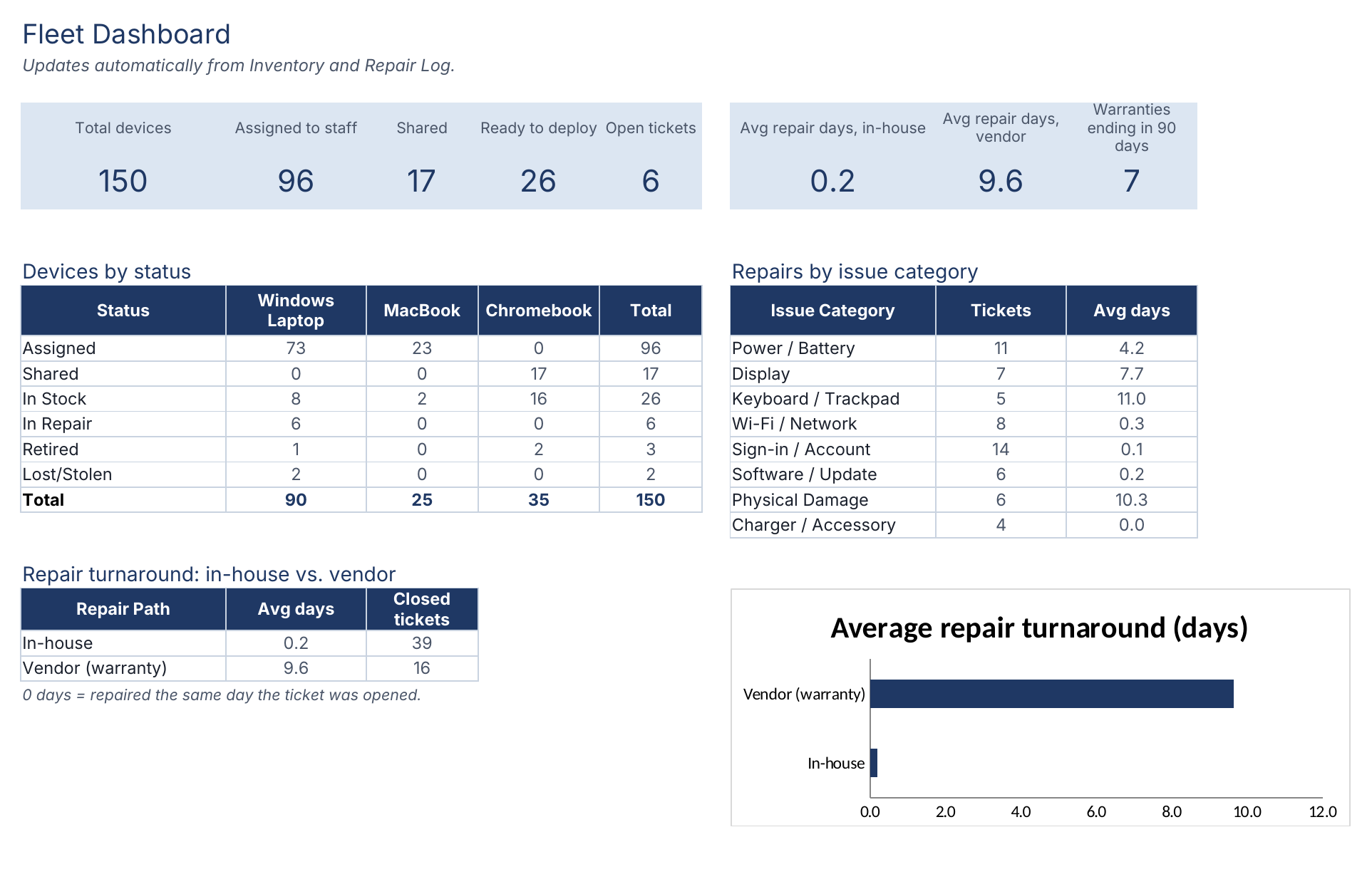
IT asset inventory and repair tracker (Excel)
One row per device with status, warranty and owner; a repair log; and a dashboard comparing in-house and vendor repair times. Duplicate serial numbers and unassigned devices are flagged automatically.
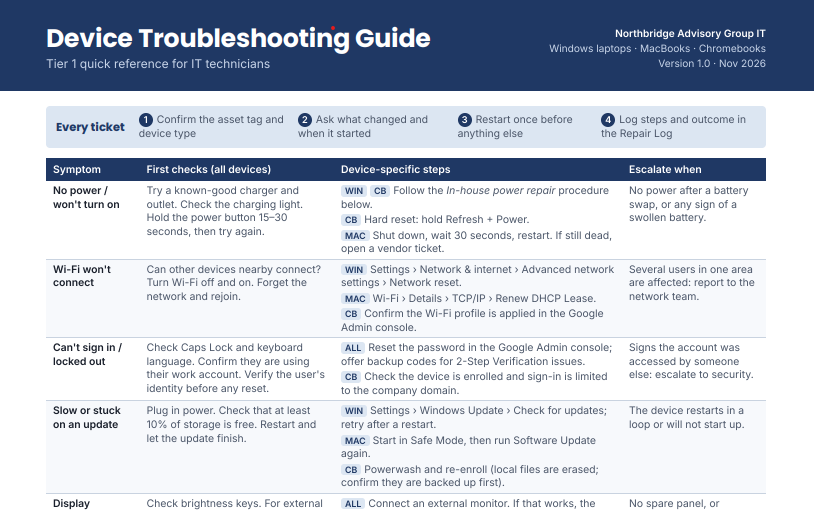
Device troubleshooting guide
Steps by problem and device type, including my in-house power repair procedure.
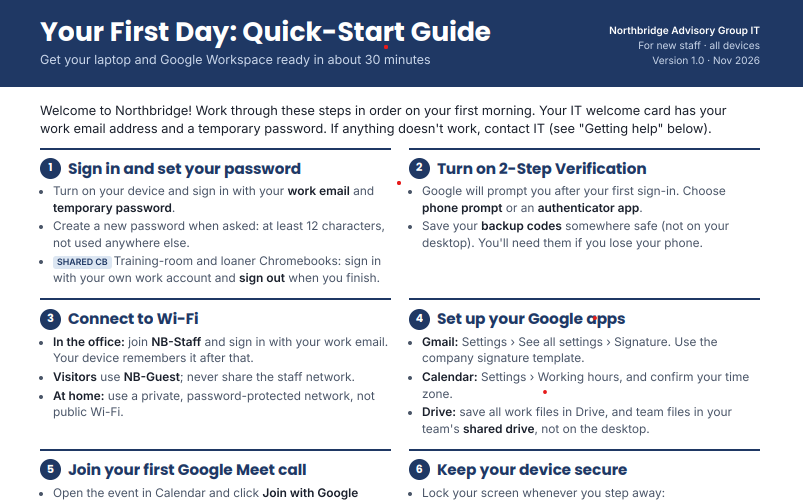
New-staff quick-start guide
First-day setup for Google Workspace, plus answers to the questions I heard most when training teachers.
Results
Tracked about 1,000 devices, each serial number assigned to one student
Prepared around 500 Chromebooks a year through a consistent five-step process
Cut power-failure repairs from 1–3 weeks with Dell to the same day, two to three times a week
Resolved 3–5 support requests a day as one of a three-person team, including Active Directory accounts and teacher laptop setups
Trained 50+ staff one-on-one on Chromebooks, Google Classroom and Google Meet
What I’d do differently
I'd track repair tickets from the start, so I could show exactly how many devices the in-house procedure saved. I'd turn the questions I answered most into short written guides earlier, instead of repeating them one-on-one. And I'd add warranty end dates to the inventory, so we could plan replacements before devices failed.